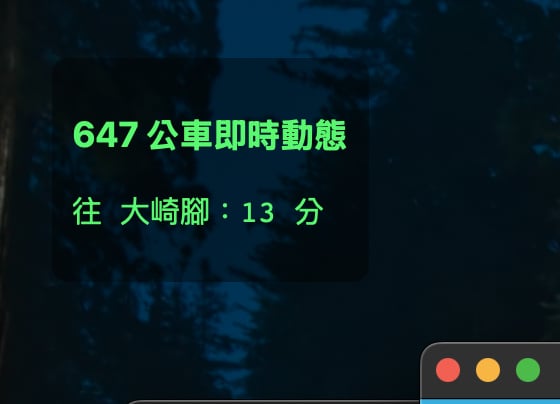
故事是這樣起頭的,每次出門我都得開啟手機軟體看一下要搭乘的公車何時進站,所以我就想請AI幫我寫一個widget,讓我可以放在桌面上面,等要出門的時候可以瞄一下還有多久公車可以到站
當然這種小插件手機上面很多,但是Mac上面我還沒找到喜歡的,又要開網頁又要去找某路線、某站牌,搞死人
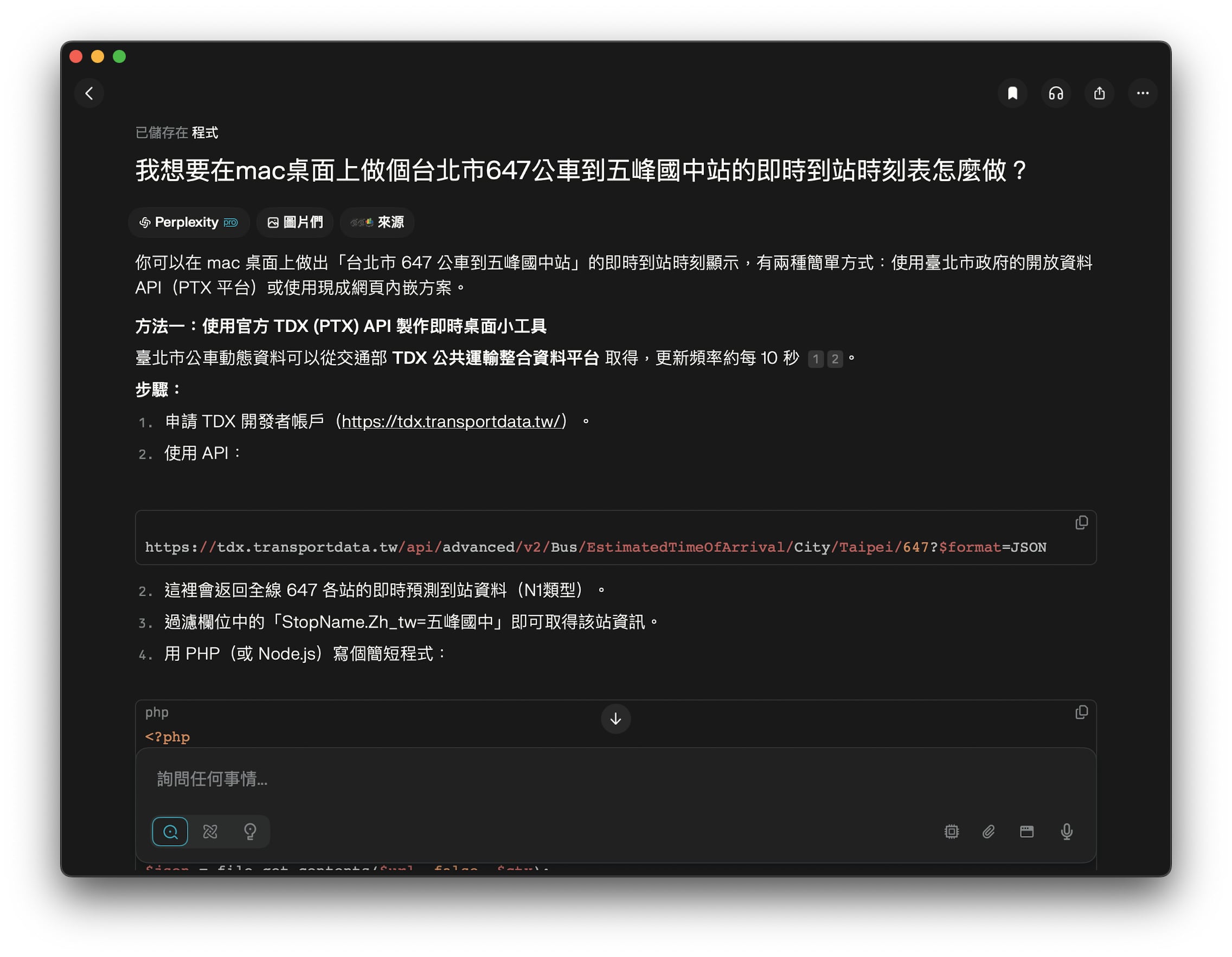
所以我就請Perplexity.AI幫我想辦法,然後把這個過程筆記下來跟大家分享
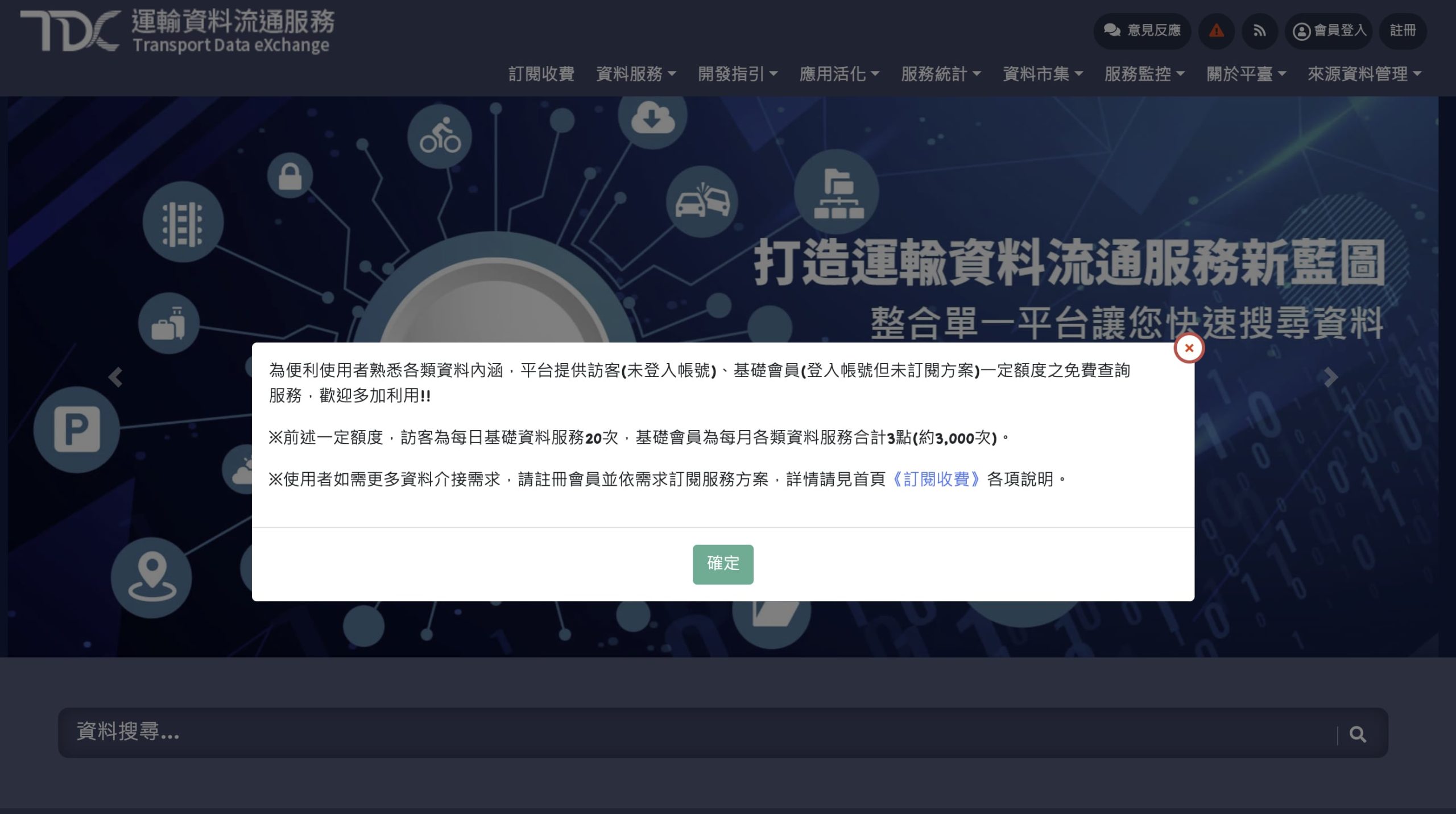
1.先去「交通部運輸資料流通服務TDX」申請帳號
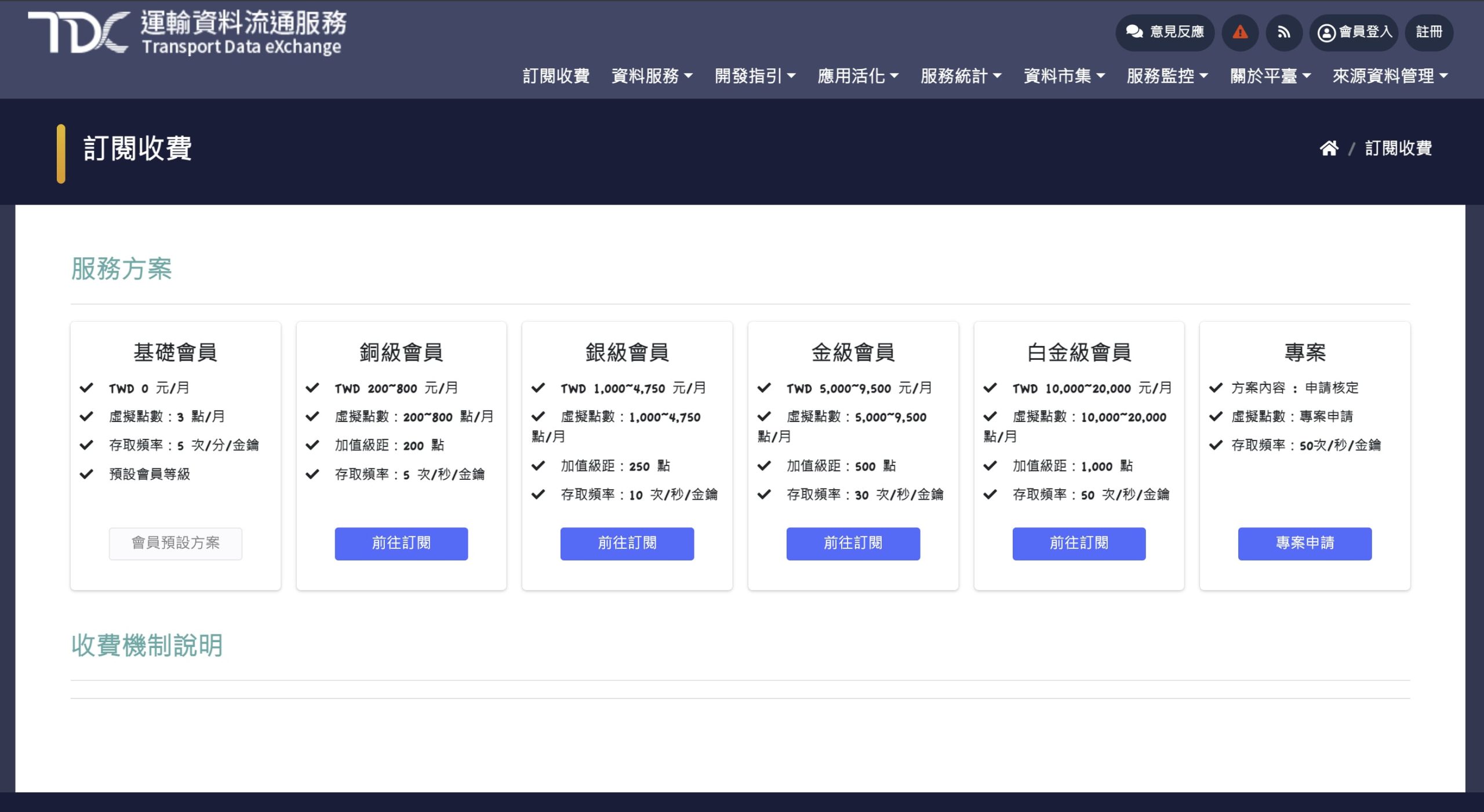
2.其實選擇基礎版就可以了,每月有3點,每點有1500次的取用,存取頻率每分鐘5次,其實很夠了
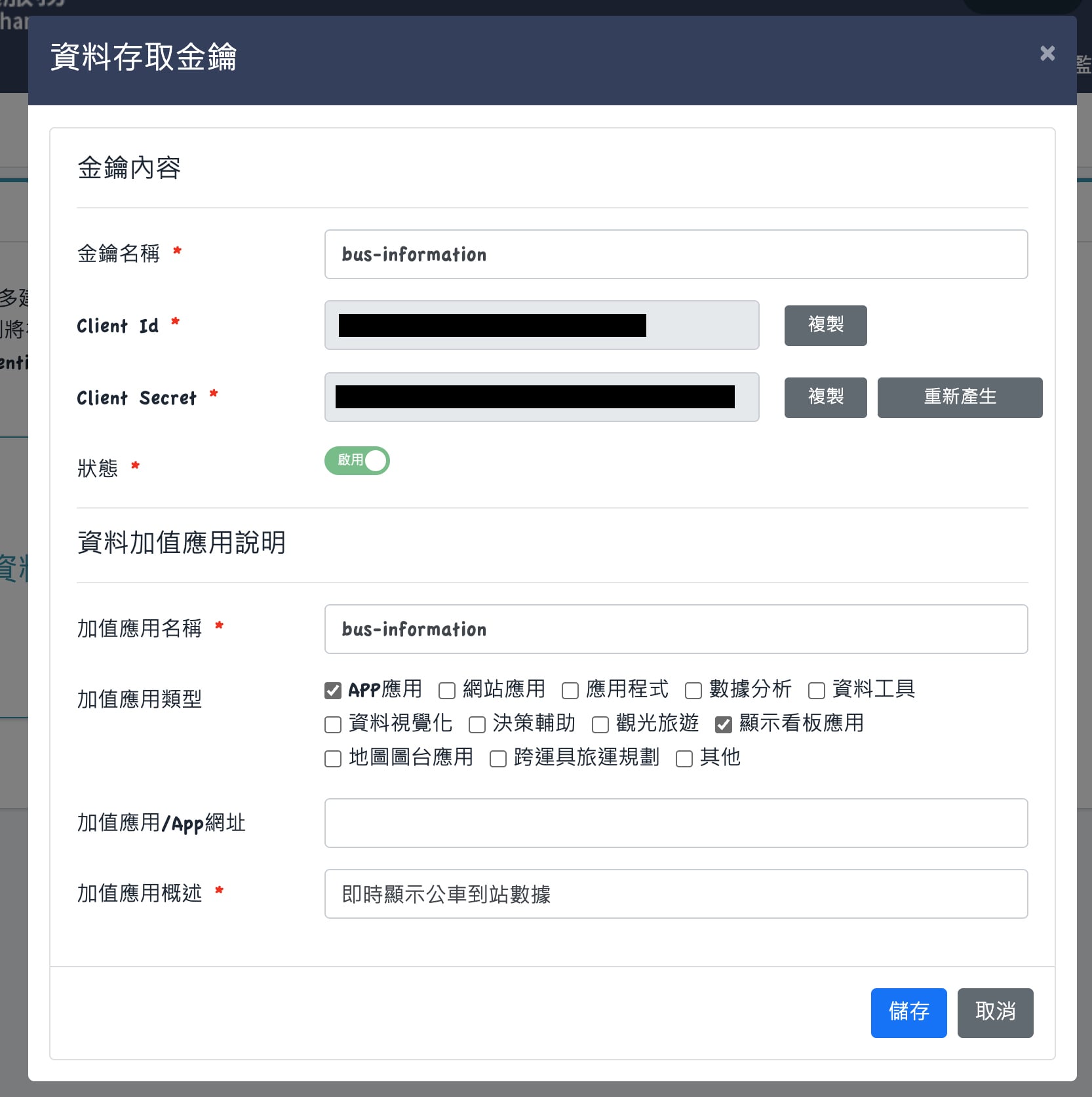
3.開通完成之後進入後台取得你的Client ID與Client Secret
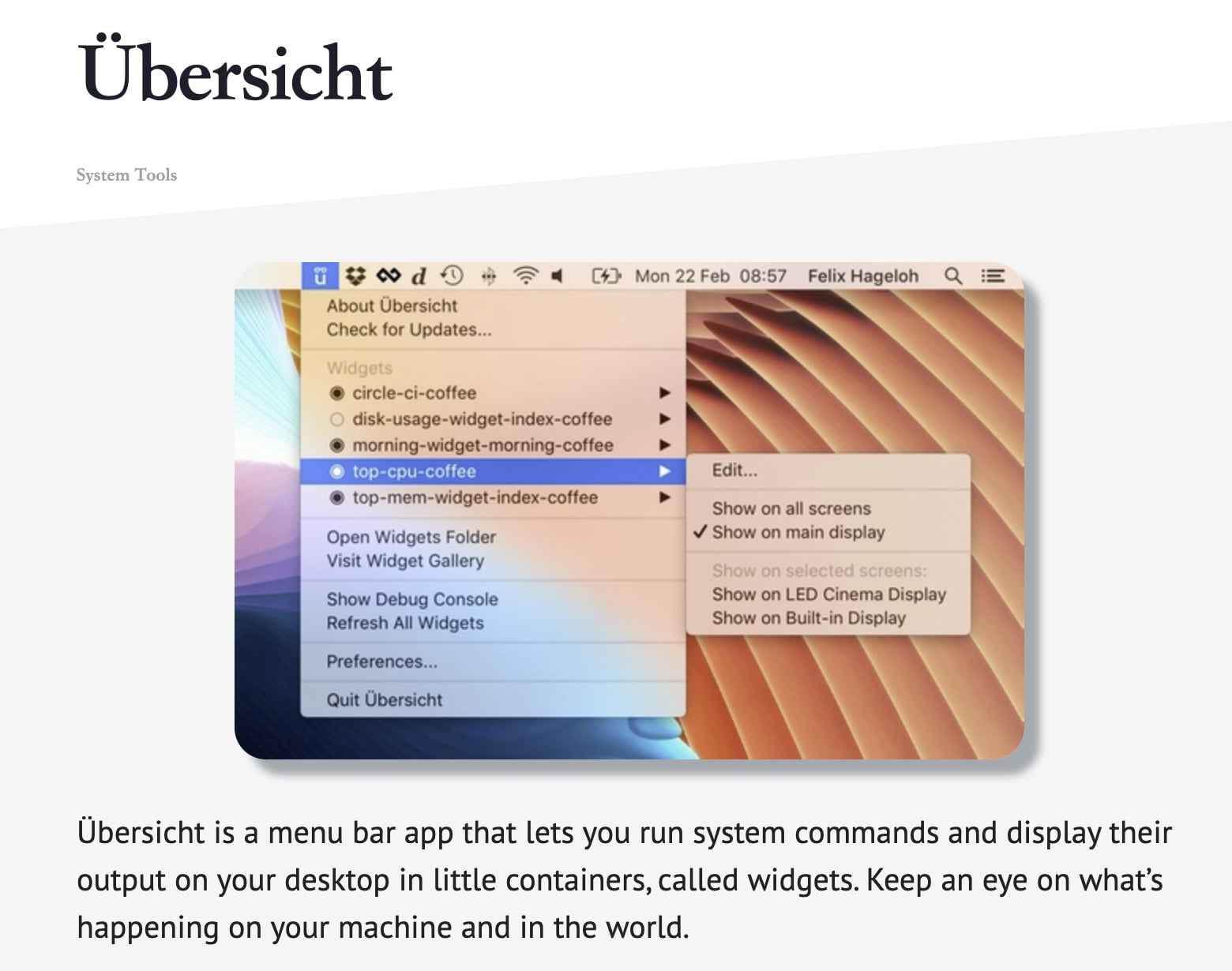
4. 接著來到這個Übersicht官網下載這套軟體,是可以讓你的桌面放上自定的widget,下載好之後放到應用程式裡面執行即可
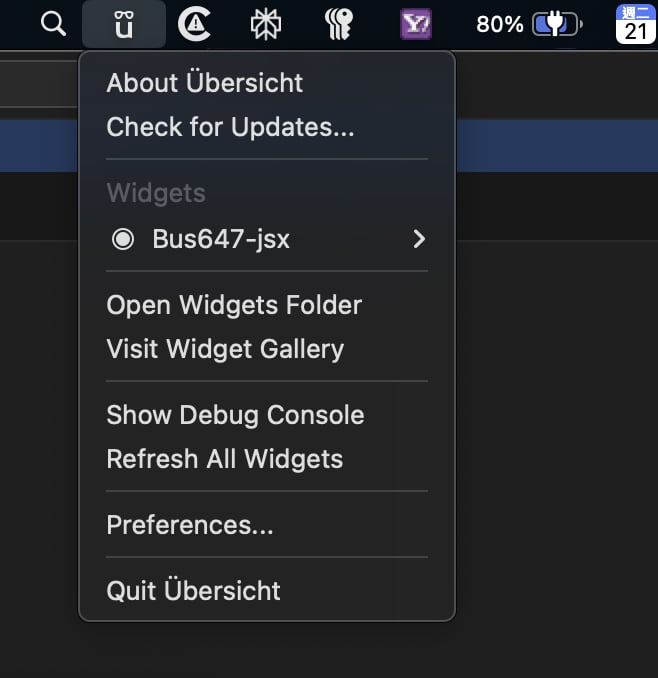
5.在下拉選單中選擇「Open Widgets Folder」
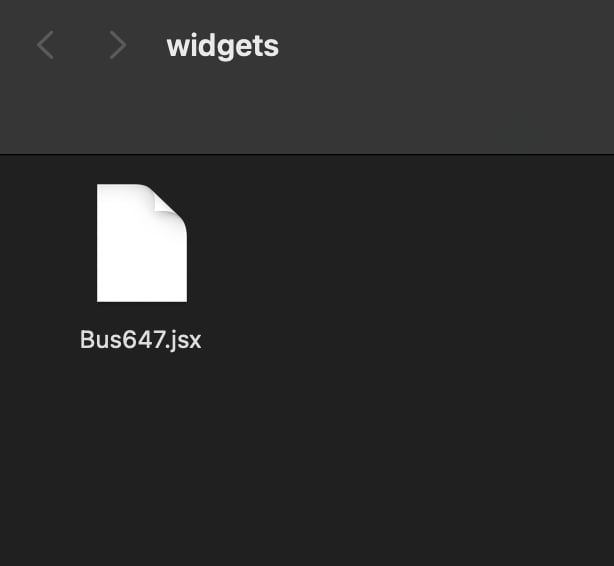
6. 在目錄中建立一個叫做Bus647.jsx的檔案,然後用文字編輯器或是你熟悉的例如Visual Studio Code來編輯它,這個是Widget的檔案
內容如下:
// Bus647.jsx - 顯示台北 647 公車五峰國中站

export const refreshFrequency = 60000 // 每15秒更新一次
//預設php位置 /usr/bin/php
export const command = “/usr/bin/php /Users/你的使用者名稱/scripts/bus647.php”
export const render = ({ output }) => (
<div>
<h3>647 公車即時動態</h3>
<pre>{output}</pre>
</div>
)
export const className = `
left: 40px;
top: 40px;
color: #00ff66;
font-family: system-ui, -apple-system, “Segoe UI”, “Roboto”, “Ubuntu”,
“Cantarell”, “Noto Sans”, sans-serif, “Apple Color Emoji”, “Segoe UI Emoji”,
“Segoe UI Symbol”, “Noto Color Emoji”;
font-size: 15px;
background: rgba(0,0,0,0.4);
padding: 10px;
border-radius: 8px;
`
完成後存檔
這裡有兩個重點,第一個重點是你要確定機器的php跑哪支程式,預設是/usr/bin/php
怎麼看呢?
在終端機下面輸入
which php
它就會顯示出路徑來,若有不同就貼到上面綠色文字中

7.接著來到你的使用者目錄 /User/你的使用者名字/ 下面建立一個目錄叫做scrpits,這是為了避免中文路徑或是其他有的沒的路徑問題造成程式出包,在這裡建立一個叫做bus647.php的檔案,內容如下
// 設定你的 Client ID 和 Client Secret
$client_id = ‘Client ID’;
$client_secret = ‘Client Secret’;
// 1. 取得 Access Token
$token_url = ‘https://tdx.transportdata.tw/auth/realms/TDXConnect/protocol/openid-connect/token’;
$token_data = [
‘grant_type’ => ‘client_credentials’,
‘client_id’ => $client_id,
‘client_secret’ => $client_secret
];
$ch = curl_init();
curl_setopt($ch, CURLOPT_URL, $token_url);
curl_setopt($ch, CURLOPT_POST, true);
curl_setopt($ch, CURLOPT_RETURNTRANSFER, true);
curl_setopt($ch, CURLOPT_POSTFIELDS, http_build_query($token_data));
$response = curl_exec($ch);
curl_close($ch);
$token = json_decode($response, true)[‘access_token’] ?? ”;
if(!$token) die(“Token 取得失敗\n”);
// 2. 呼叫正確的 TDX 公車 API
$url = ‘https://tdx.transportdata.tw/api/basic/v2/Bus/EstimatedTimeOfArrival/City/Taipei/647?$format=JSON’;
$opts = [‘http’ => [
‘method’ => ‘GET’,
‘header’ => “authorization: Bearer $token\r\n”
]];
$ctx = stream_context_create($opts);
$json = file_get_contents($url, false, $ctx);
$data = json_decode($json, true);
if (!is_array($data)) {
die(“API 錯誤或無法解析資料\n”);
}
// 3. 篩選五峰國中站 (同時呈現兩個方向的到站資訊)
// foreach ($data as $bus) {
// if ($bus[‘StopName’][‘Zh_tw’] === ‘五峰國中’) {
// $eta = isset($bus[‘EstimateTime’]) ? round($bus[‘EstimateTime’] / 60) . ” 分” : “未發車”;
// $direction = $bus[‘Direction’] == 0 ? ‘往 捷運市政府站’ : ‘往 大崎腳’;
// echo “{$direction}:{$eta}\n”;
// }
// }
// 3. 篩選五峰國中站 (只呈現某個方向的到站資訊)
foreach ($data as $bus) {
// 條件:站名 AND 方向(Direction == 1,往大崎腳)
if ($bus[‘StopName’][‘Zh_tw’] === ‘五峰國中’ && $bus[‘Direction’] == 0) {
$eta = isset($bus[‘EstimateTime’]) ? round($bus[‘EstimateTime’] / 60) . ” 分” : “未發車”;
echo “往 市政府:{$eta}\n”;
}
}
?>
—————————————————
搞定收工
Post Views: 193